
How do I submit a revision after a permit has been approved?
Edited
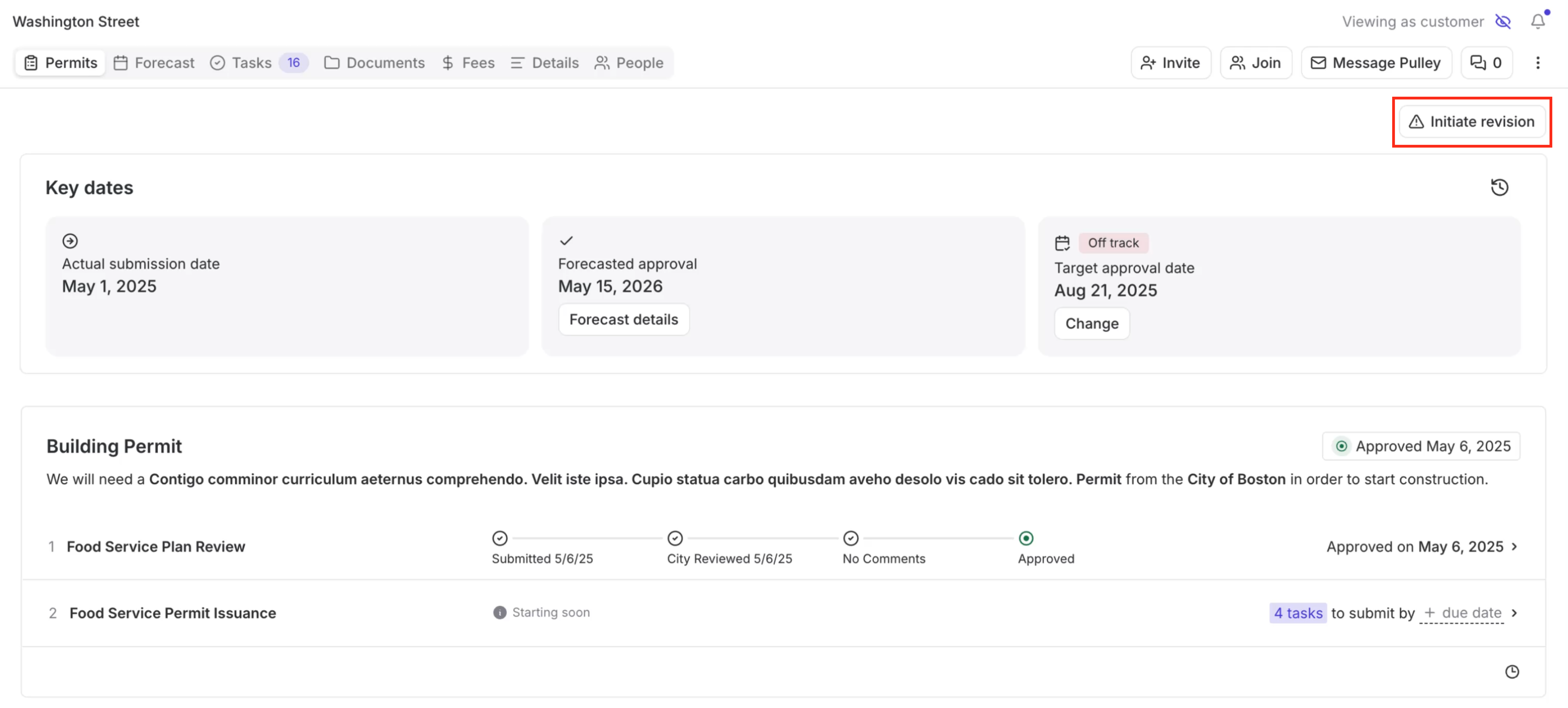
Navigate to the project and click the Permits tab.
Click Initiate revision in the top right corner.
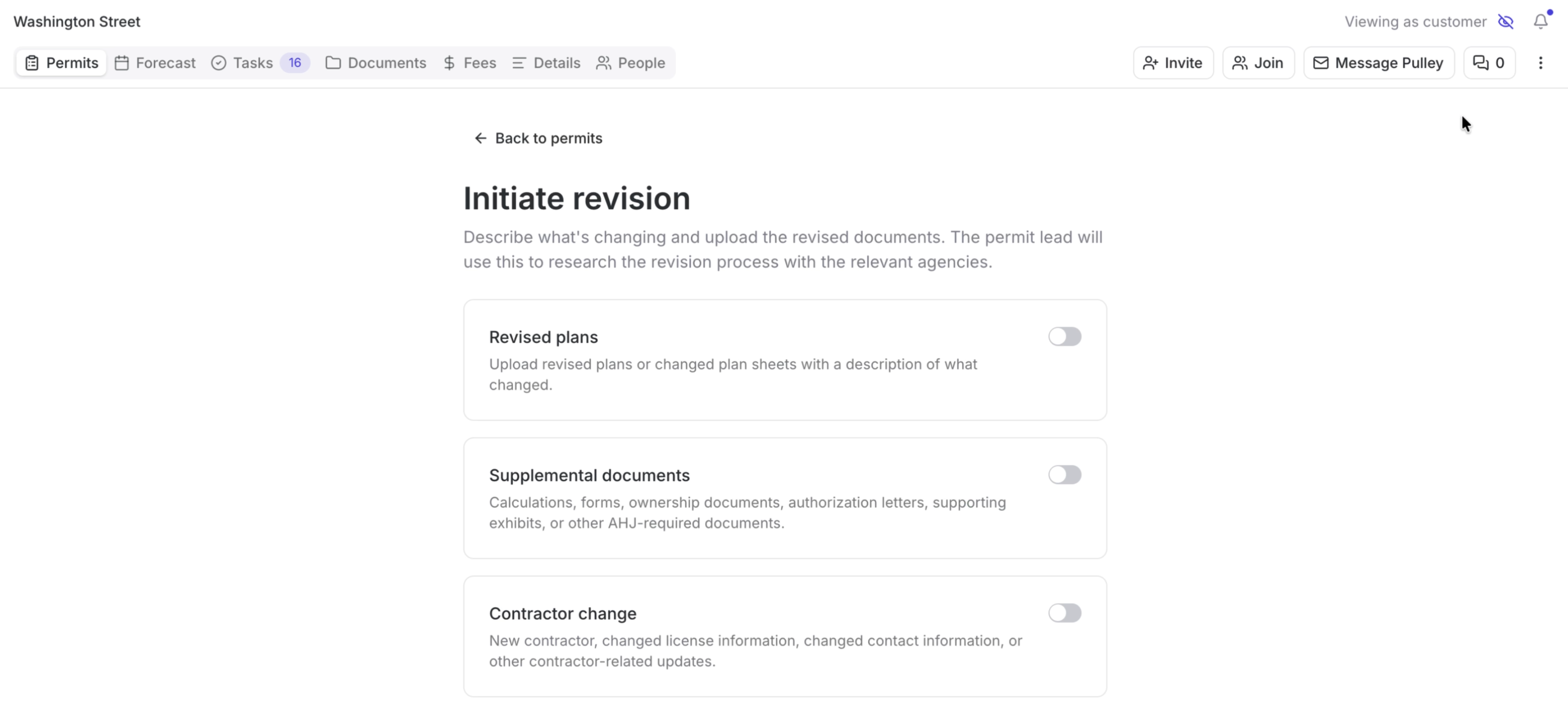
Select the relevant revision type(s). Multiple can be selected at once.
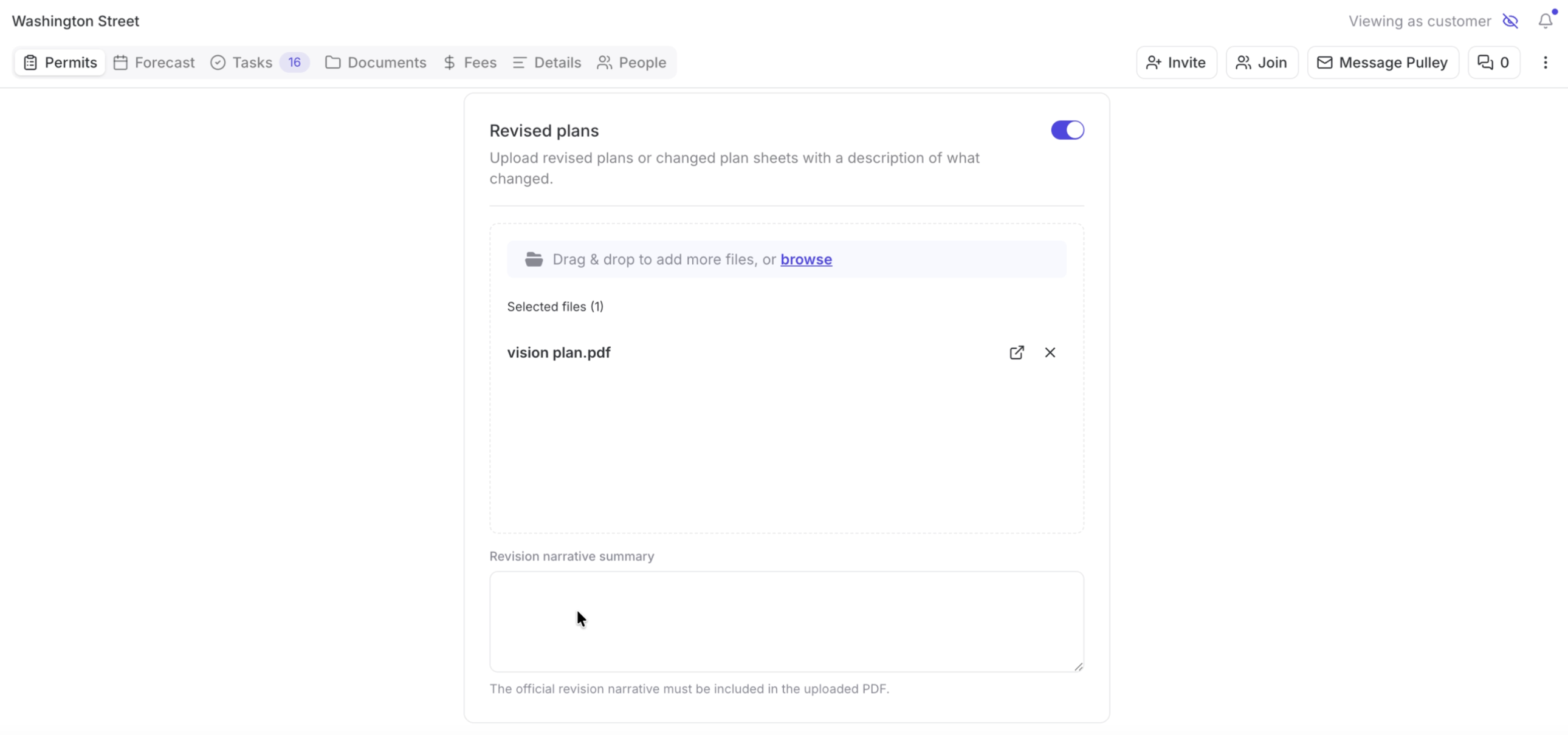
Provide the required details for each revision type you've selected.
Pricing will be determined by the app and displayed for your confirmation.
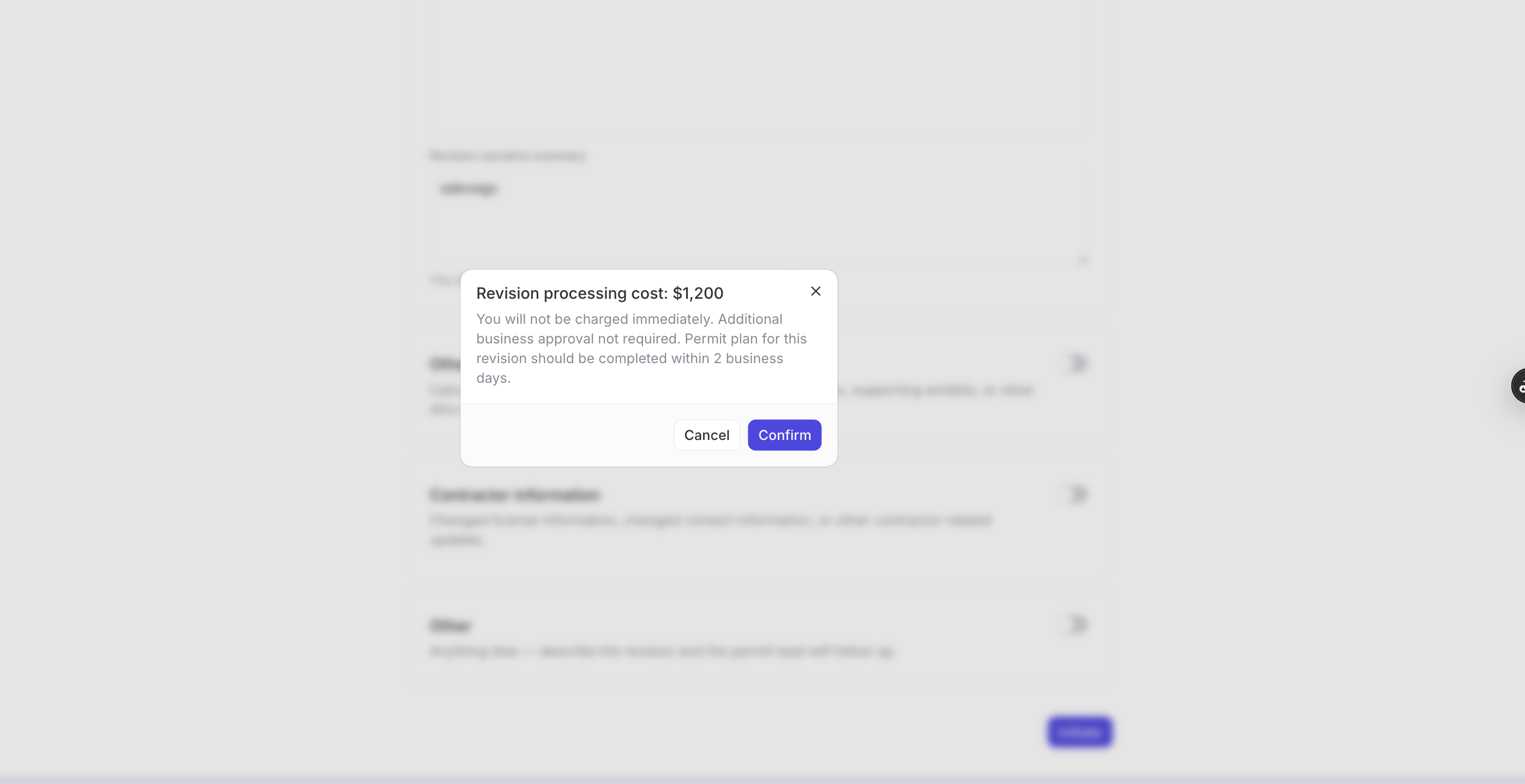
After confirming, your revision will either begin immediately or be routed for approval which your account manager will coordinate.
When a revision is complete, you will receive an email and in-app notification that the revision has been completed.
Was this article helpful?
Sorry about that! Care to tell us more?